
BUSMASTER 3.2.2.49: offline workspaces and more message history
BUSMASTER 3.2.2.49 improves offline workspace configuration and expands CAN message history. Prepare databases, transmit tasks and signal settings before hardware is available, and choose a larger message history when the investigation needs it.
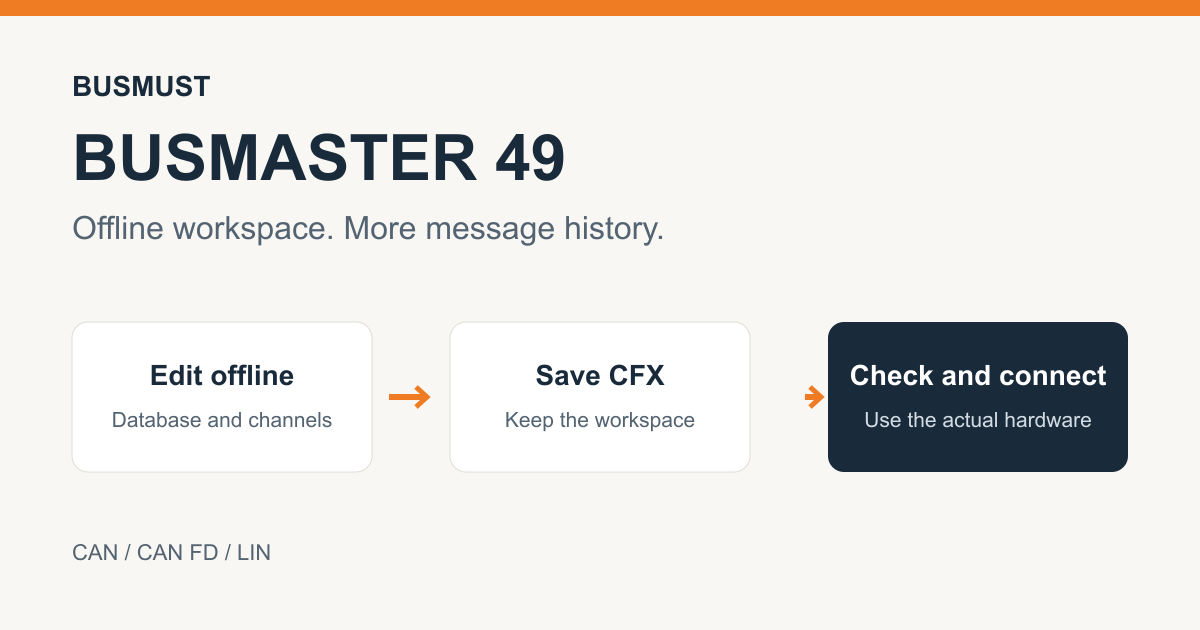
Prepare a workspace before connecting hardware
Section titled “Prepare a workspace before connecting hardware”When a device is absent, channels are temporarily hidden or hardware selection fails, database, transmit, schedule, filter and signal configurations remain available for editing and saving. Check the actual hardware and channel settings before connecting, then continue the prepared work on the bench.
Keep more CAN messages in view
Section titled “Keep more CAN messages in view”The CAN message window retains 100,000 records by default and can be configured for up to one million. Oldest records are discarded when the limit is reached. Sorting, scrolling, selection and signal interpretation are refined for larger lists and continuous reception.
Improved LIN schedules and error logs
Section titled “Improved LIN schedules and error logs”LIN schedules support offline selection and saving, and repeated occurrences of a frame in the same table. BLF, ASC and LOG handling preserves CRC/checksum errors and actual checksum values without interrupting subsequent valid records. The release also improves everyday logging, database-editing and UDS interactions.