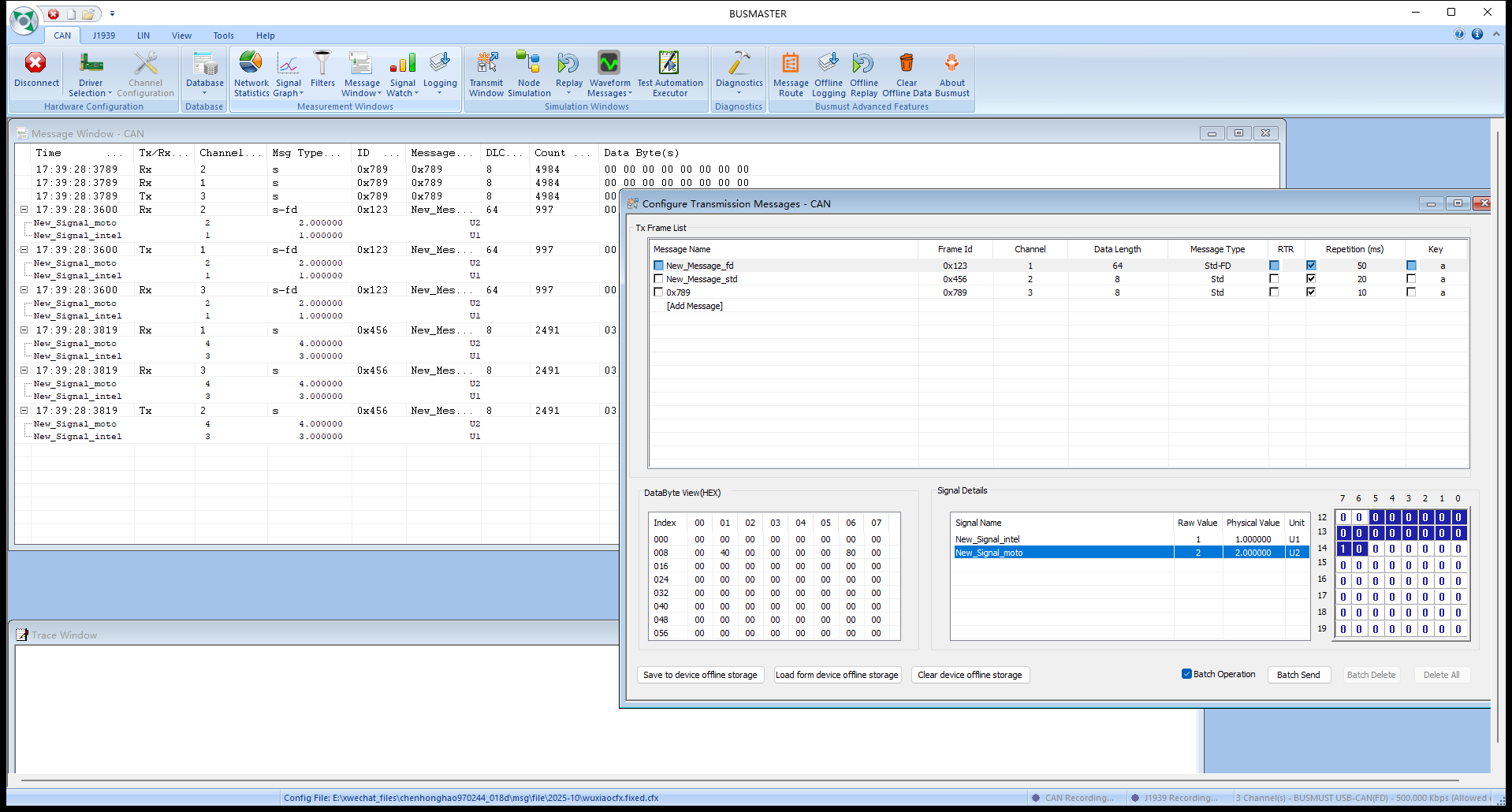
CAN FD and DBC workflow
Recommendation
Section titled “Recommendation”Use DBC as the primary database format for CAN FD projects. DBF is intended mainly for legacy BUSMASTER classic-CAN workflows and should not be the main database format for CAN FD.
Why DBC is preferred
Section titled “Why DBC is preferred”- CAN FD supports payloads up to 64 bytes.
- CAN FD frames include attributes such as FD and BRS that are not fully represented by the traditional DBF workflow.
- DBC is better suited for database exchange with other mainstream CAN tools.
Workflow
Section titled “Workflow”- Import a DBC file for a CAN FD project.
- Select a database message in the Transmit Window and verify its frame type, DLC, signal list, and data length.
- Use the DBC for online decoding in the Message Window.
- If only a DBF is available, treat it as a classic-CAN source and convert or maintain a DBC for CAN FD use.
- After completing Database Associate, confirm the result in the message or signal selector in Transmit Window or Signal Watch. The dialog normally closes without displaying a green check mark.
Source: BUSMUST technical knowledge base canfd-dbc-workflow.md. This public guide is maintained by the website content pipeline. Use the download center for current and archived software releases.
DBC frame and signal interpretation
Section titled “DBC frame and signal interpretation”These original screenshots come from the BUSMASTER manual or illustrated guide and show the actual workflow.