
Diagnostic Support
Adding Diagnostic Support:
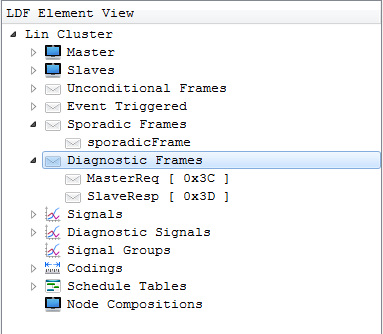
To create diagnostic frames, right click on the ‘Diagnostic Frames’ element in the Element view. By default ‘MasterReq’ and ‘SlaveResp’ diagnostic frames will get created as shown below.
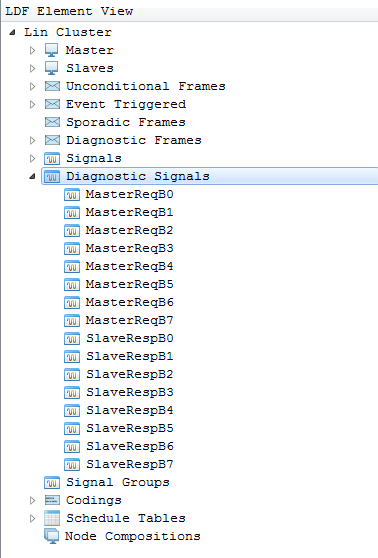
 On Adding diagnostic support for Frame, Diagnostic Signals will get automatically created for Master and Slave under ‘Diagnostic Signals’ in the Element View as shown below.
Removing Diagnostic Support:
To remove diagnostic support right click on ‘Diagnostic Frames’ in the Element view and click on ‘Remove Diagnostic Support’ which removes diagnostic frames and diagnostic signals.
Authoritative source: BUSMASTER DITA help source LIN_Editor_DiagnosticSupport.dita, compiled into BUSMASTER.CHM with the application.