
Trace Window
Trace window gives details about the result of the latest operation. Result can be information, warning or error. Below picture shows some text displayed in the trace window. This window basically contains a multiple selection list box where user can select, clear, delete the entries. It is possible to copy the text into clipboard also.
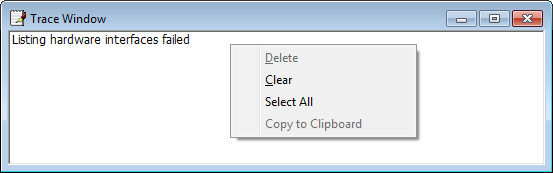
To display trace window Select the menu View –> Trace Window.
Authoritative source: BUSMASTER DITA help source trace_window.dita, compiled into BUSMASTER.CHM with the application.