
BUSMASTER XCP: Export CSV data and save the project
Applies to BUSMASTER 3.2.2.50. Screenshots use the Chinese interface.
8. End acquisition, export data and save the project
Section titled “8. End acquisition, export data and save the project”CSV stores samples; CFX stores configuration. Save these separately. The Signal Graph export button becomes available after the main CAN connection is disconnected. Use this order:
- Stop Acquisition in the XCP main window. If you practised calibration, first confirm that the value you intend to retain has been restored.
- Click XCP Disconnect, then return to the main interface and disconnect the main CAN connection. Export before reconnecting; a new main CAN connection clears the graph buffer.
- Open the existing CAN Signal Graph and click Export at the bottom. In the export window, enter the full target path under CSV → File, or select it using “…”, then click Export in the CSV area.
- Open the CSV and check the variable names, time and value columns. Time(in mSec) uses milliseconds, while the graph’s horizontal axis uses seconds;
15306.7 msin the CSV corresponds to15.3067 sin the graph. - Close the export window and use File → Save / Save As in the main interface to save
.cfx. It retains XCP parameters, the A2L reference, workset, acquisition selections and curve configuration. Keep the A2L file at an accessible location. - Close BUSMASTER and, if used, stop the teaching simulator normally.
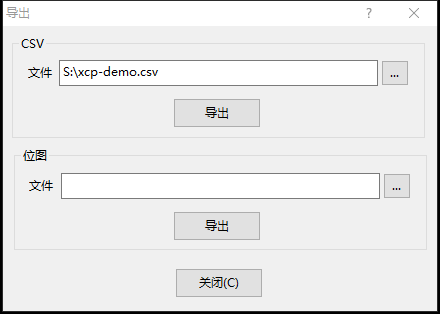
CSV export: select a file path and save the graph data.
CSV stores samples currently in the buffer. Manual reads and calibration readbacks can add samples after continuous acquisition stops, so point counts can differ between variables.
Inspect the CSV format
Section titled “Inspect the CSV format”The file has separate time and physical-value columns for EngineSpeed and SpeedLimit. Compare them with the curves to inspect changes over time. Calibration readback samples are stored in the corresponding variable’s columns as well.
When loading the CFX again, check the A2L path and hardware mapping, establish CAN and XCP connections, and read or acquire current values. Use the separately saved CSV to inspect historical samples.
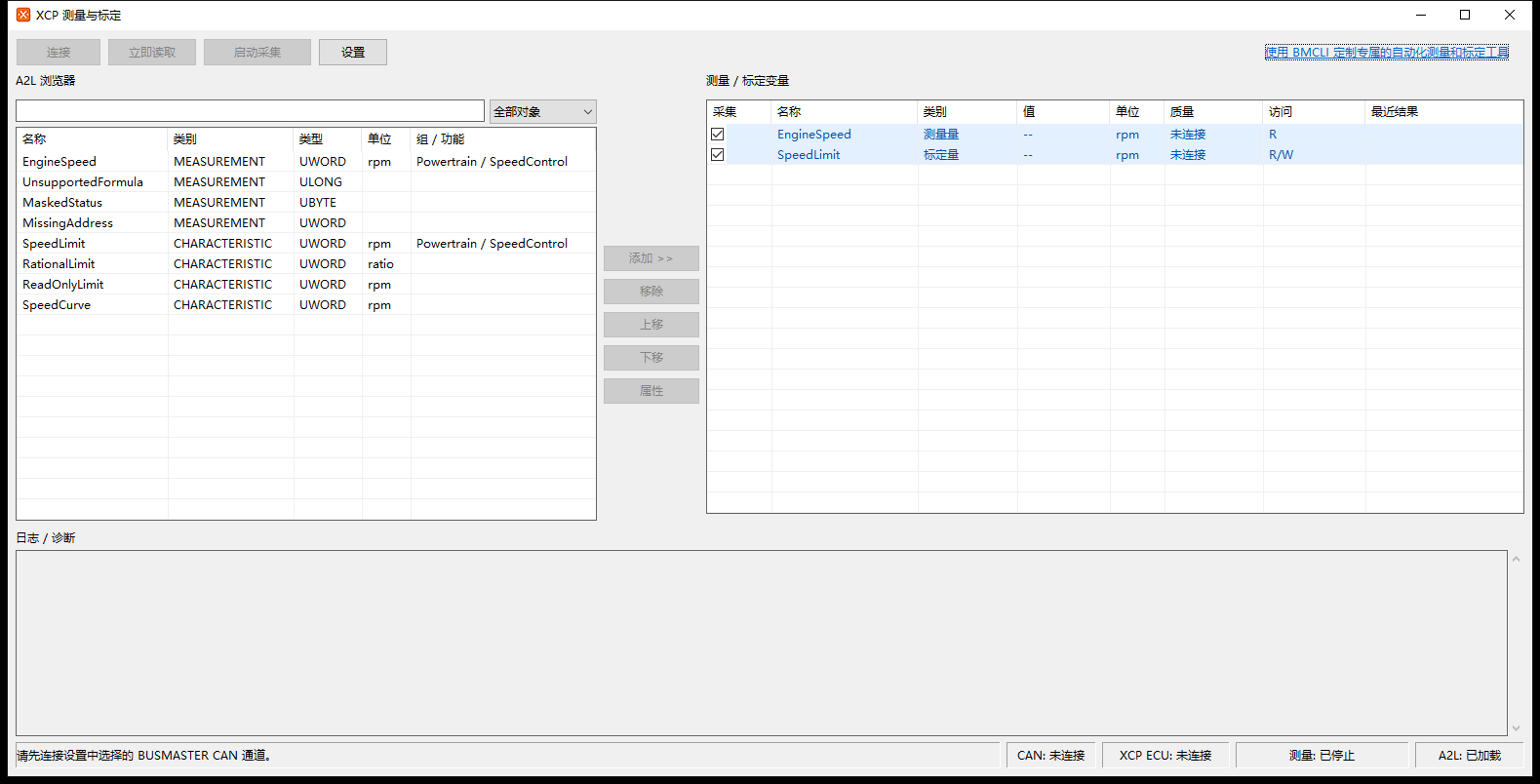
Workset, A2L and connection states after reopening the CFX project.
Series overview · Previous: Calibration · Next: Troubleshooting
Use the download center for current and archived BUSMASTER releases.