
BMCLI brings AI into the loop with real buses and devices
AI can already understand code, test intent, and engineering context. To close the loop, it must also operate real hardware, observe buses and ECUs, and use those results to decide the next action. BMCLI provides that engineering bridge.
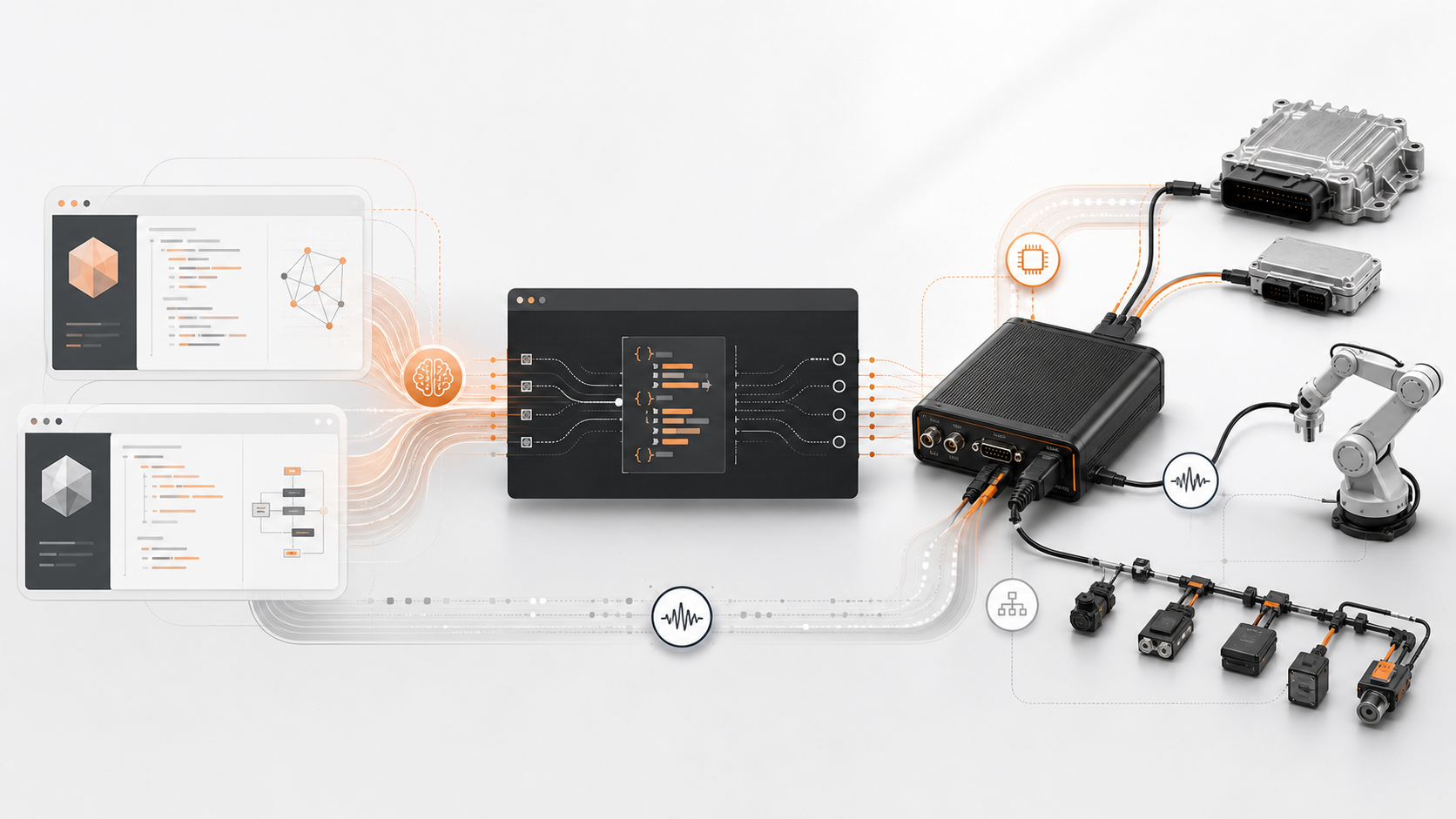
Readable, composable, and auditable
Section titled “Readable, composable, and auditable”BMCLI organizes bus traffic, DBC signals, ISO-TP, UDS, XCP, logging, replay, and web services as clear commands. Engineers can run them directly, while Codex or Claude Code can invoke them as part of a larger task. JSON output makes it straightforward to evaluate results, retain evidence, and continue a workflow.
Shell, Python, and other glue languages can compose commands into dependable system-level tools such as UDS Flash Bootloader programming, batch test execution, live-data dashboards, and site-specific automated diagnostics.
AI-driven debugging and diagnostics
Section titled “AI-driven debugging and diagnostics”During development and validation, an AI agent can inspect DBC signals, read UDS DIDs and DTCs, observe variables through XCP, and adapt its next action to the current system state. BMCLI brings that capability into the AI engineering workflow and reduces manual switching between desktop tools, scripts, and logs.
Start with one command
Section titled “Start with one command”Windows PowerShell:
irm https://download.busmust.com/bmcli/install.ps1 | iexLinux shell:
curl -fsSL https://download.busmust.com/bmcli/install.sh | shExplore BMCLI · Open the command reference · Get offline packages