Live messaging and filtering
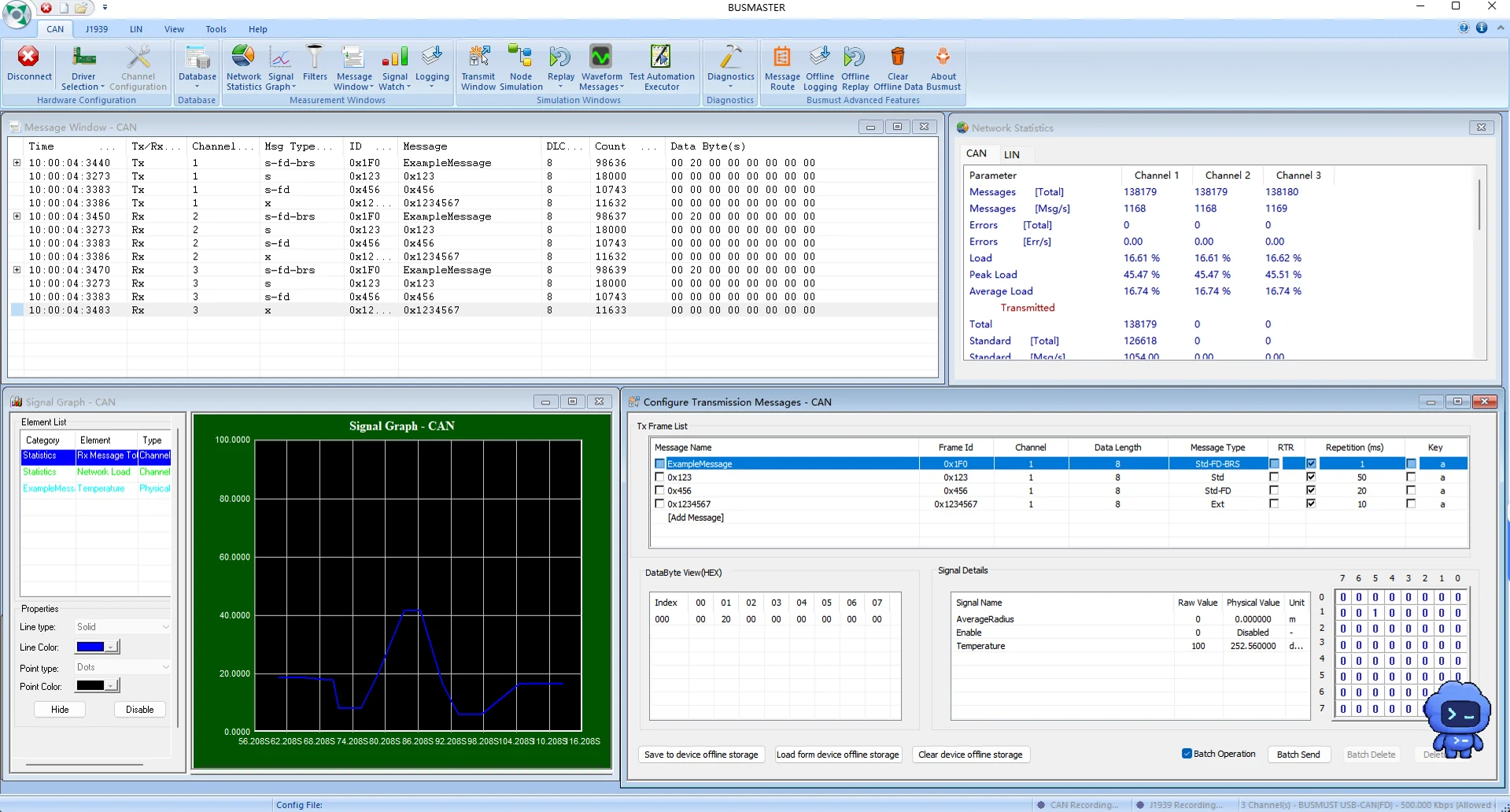
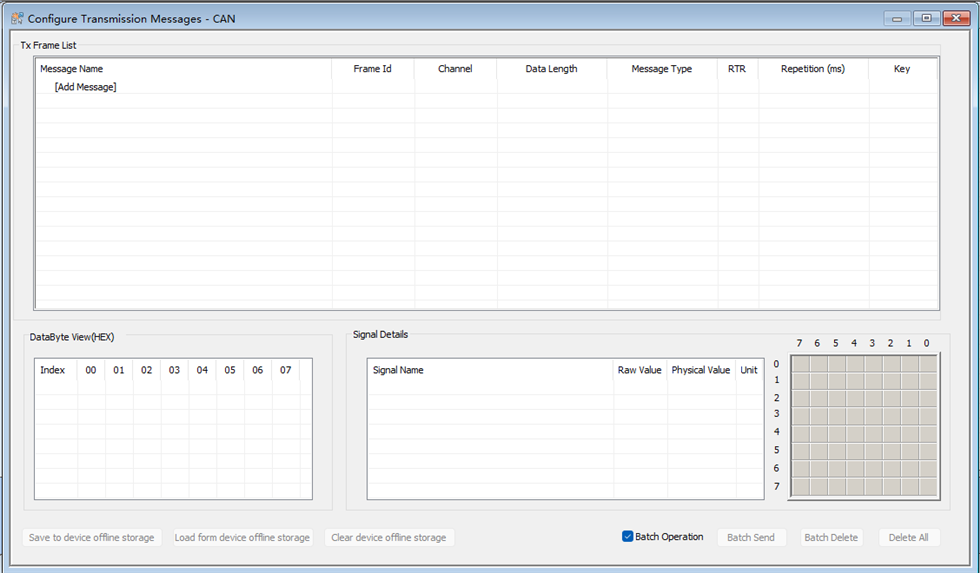
Continuously observe CAN, CAN FD, and LIN traffic, filter by channel, ID, and direction, and use the transmit window for one-shot, periodic, and signal-level transmission.

GRAPHICAL WORKBENCH
Send and receive messages, load databases, record and replay data, and work with UDS, LIN, and J1939 in a familiar graphical interface.

ENGINEERING WORKFLOWS
Continuously observe CAN, CAN FD, and LIN traffic, filter by channel, ID, and direction, and use the transmit window for one-shot, periodic, and signal-level transmission.
Associate DBC or LDF databases to turn raw frames into readable signals and compose outgoing messages directly from signal values.
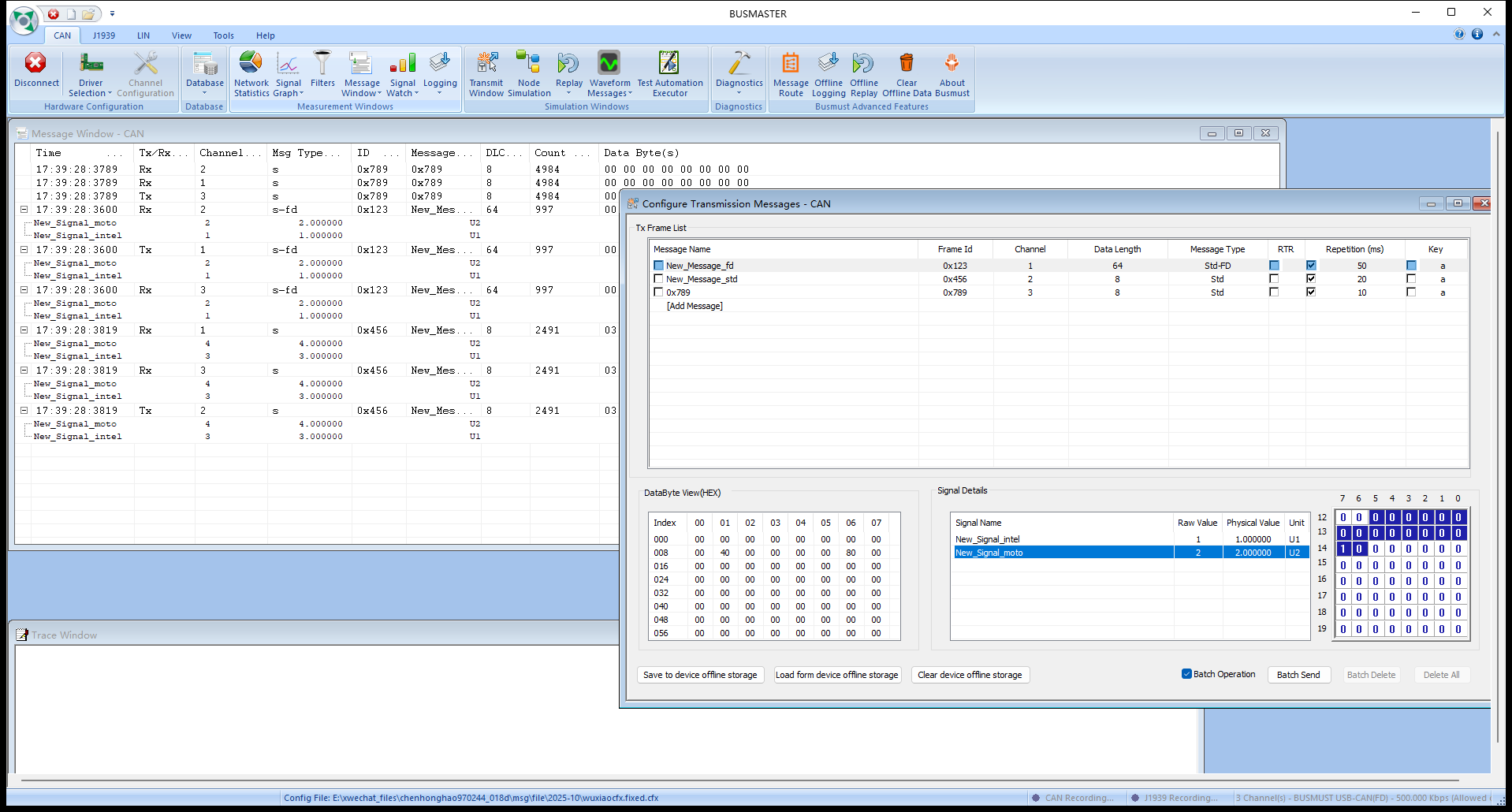
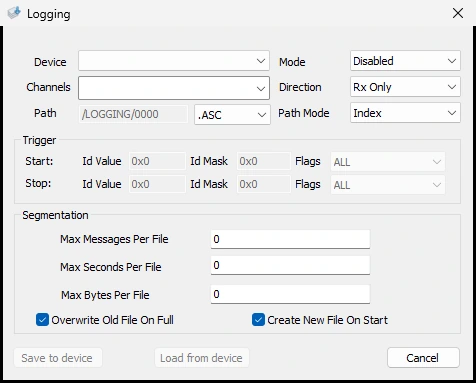
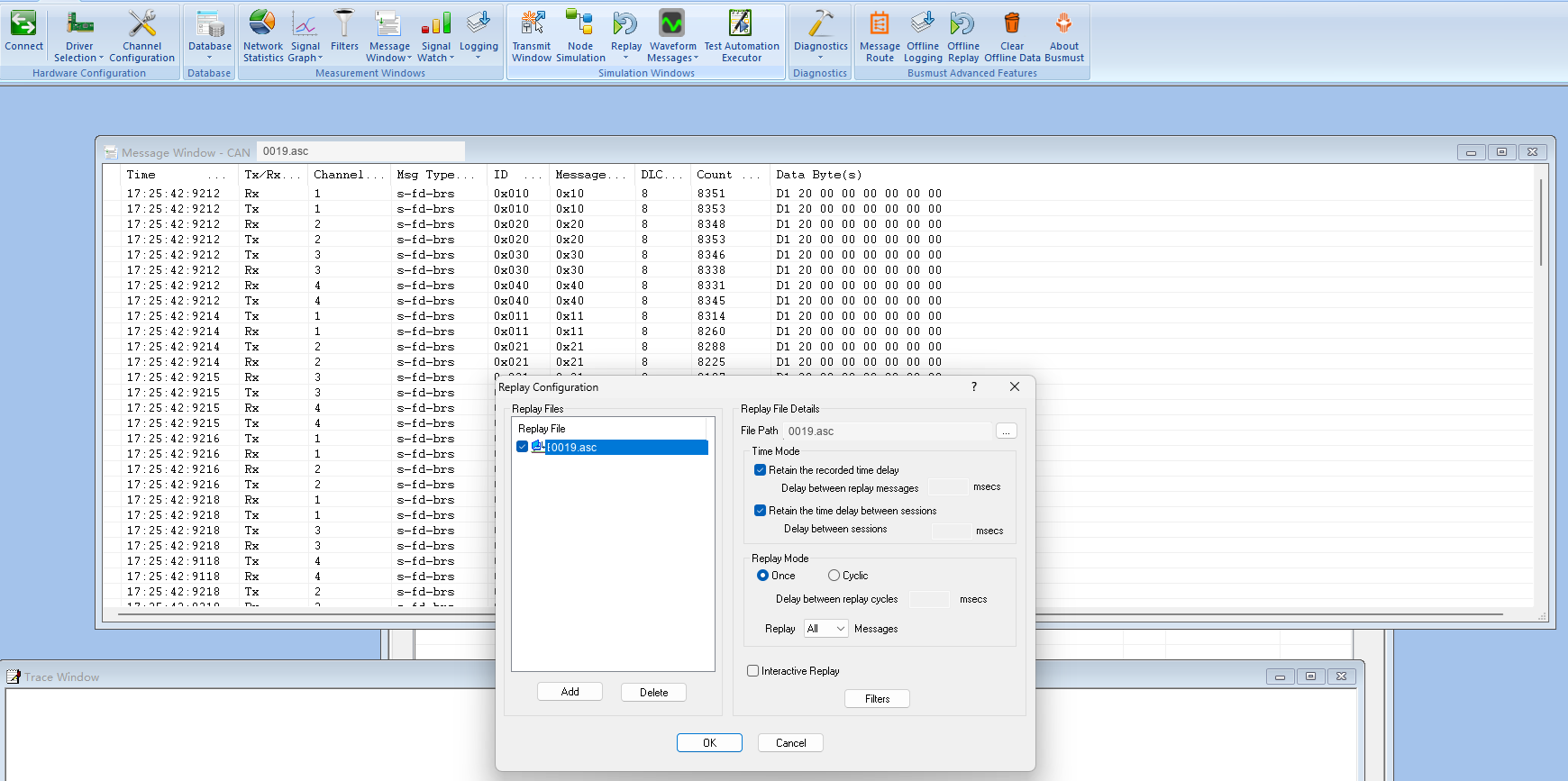
Save bus traffic in common formats such as ASC, BLF, and LOG, replay it with original timing, or import existing recordings for analysis with messages, signals, graphs, and filters.
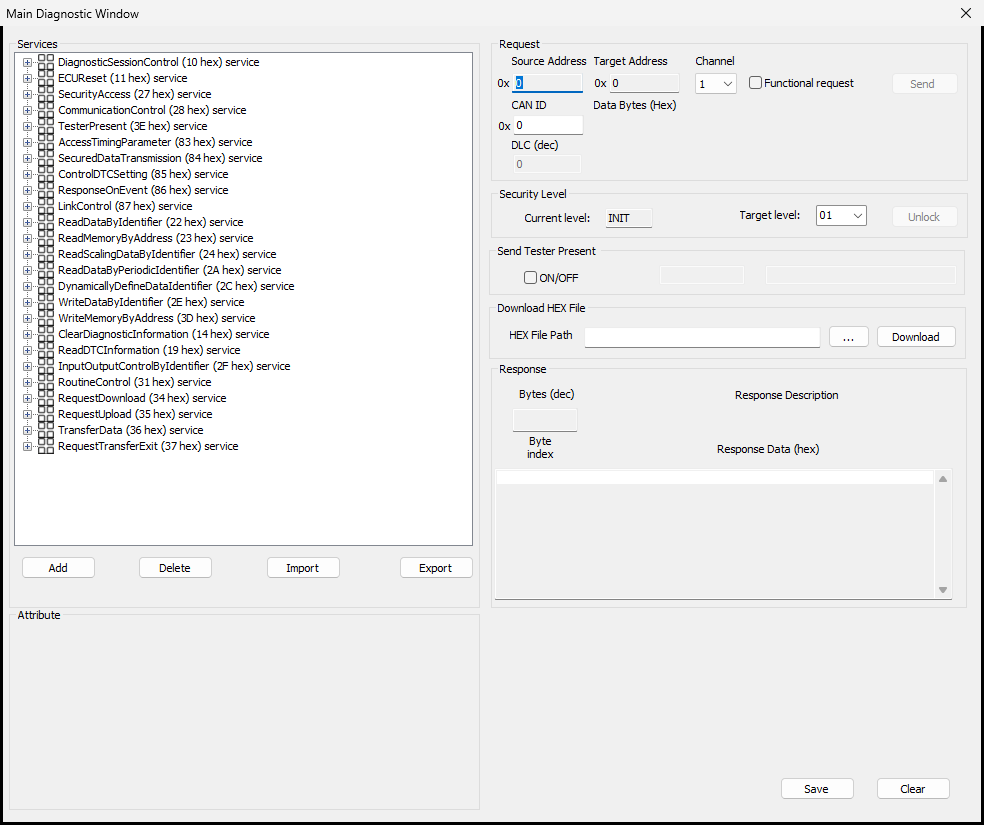
Organize common services, sessions, security access, and flashing workflows in the maintained diagnostic panel.
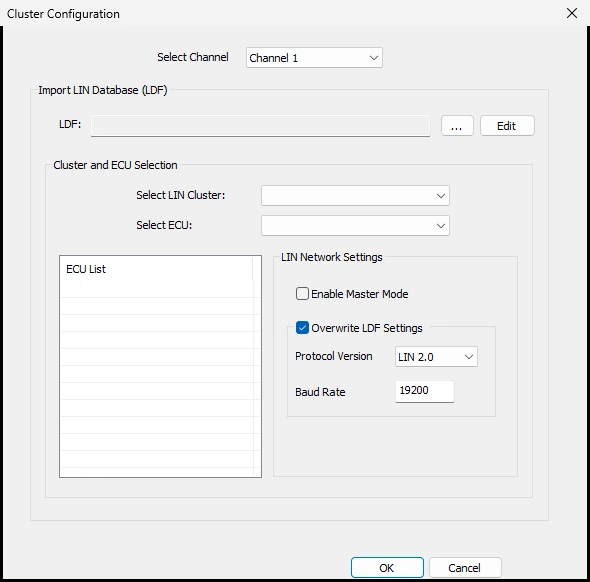
Configure LIN master/slave nodes, LDF files, and schedules to inspect body-network timing.
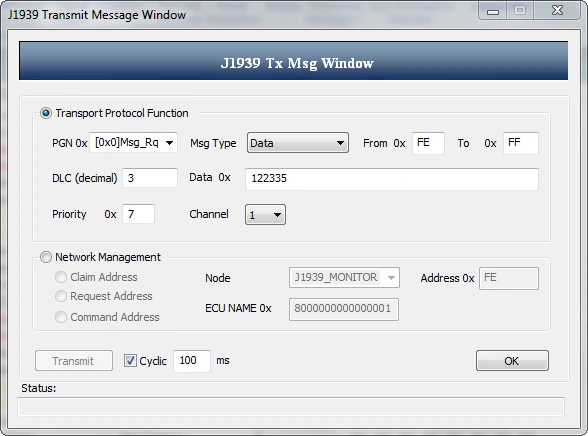
Use the dedicated J1939 workspace to observe, transmit, and analyze protocol traffic for commercial-vehicle and machinery projects.
Use firmware updates, hardware filtering, routing, offline tasks, device-side logging, and automatic replay with BUSMUST hardware.